 Readexa
EPUB · PDF · Comics · Web
All your reading. One place.
Read.Listen.Translate.Remember.
A calm reader for your books, documents and the web. Listen with natural AI voices, translate a passage without leaving the page, and keep every highlight and note together.
- Free to start
- Works offline
- 20 languages
See it in use
From the library to the last page at night, every screen is built for long reading.
All your reading in one place 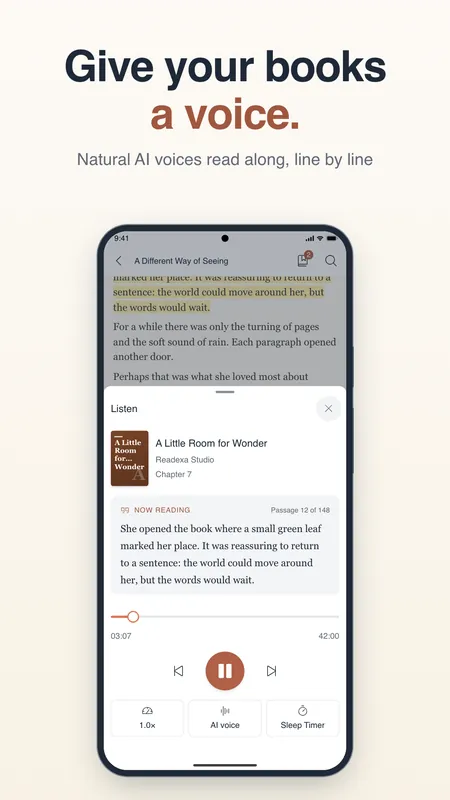
Give your books a voice 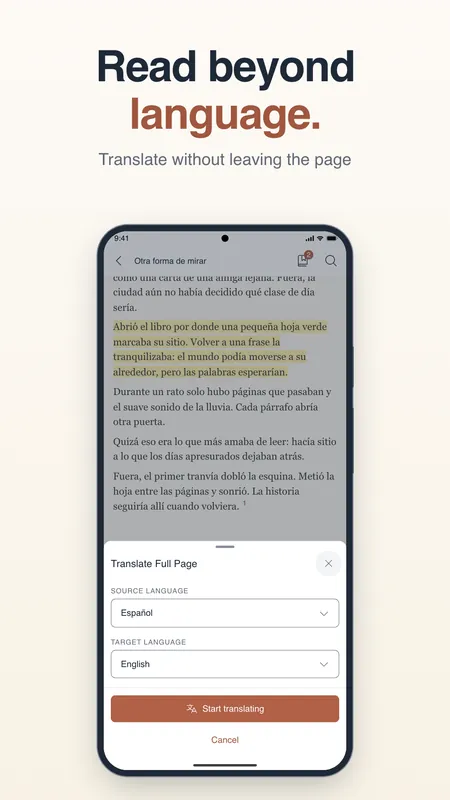
Read beyond language 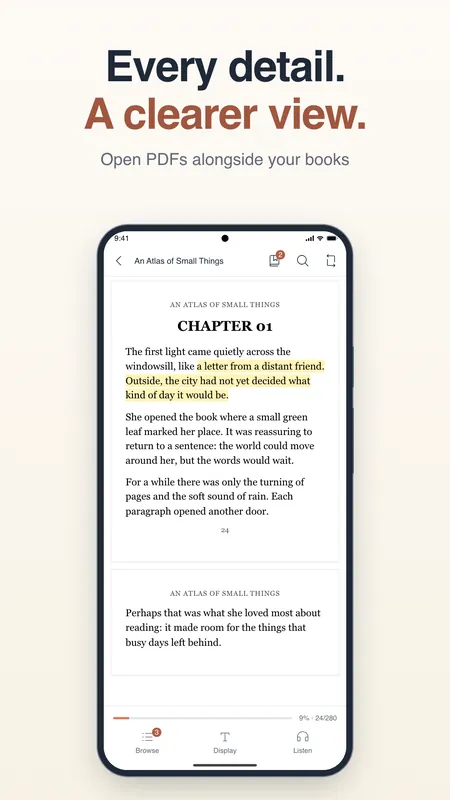
Every detail, a clearer view 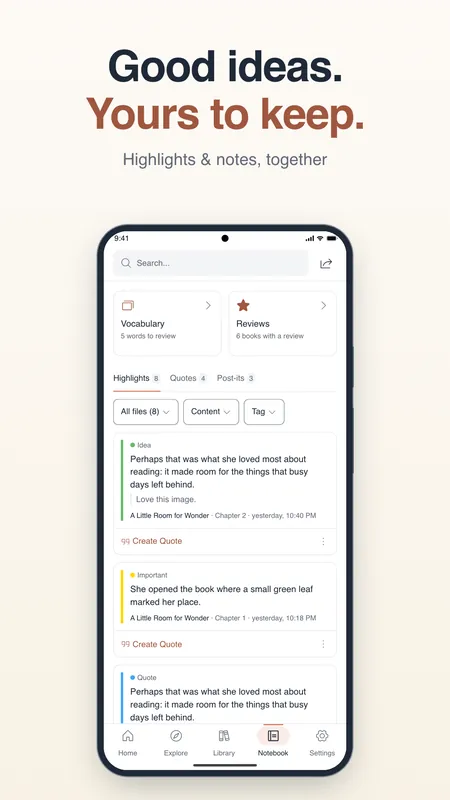
Good ideas, yours to keep 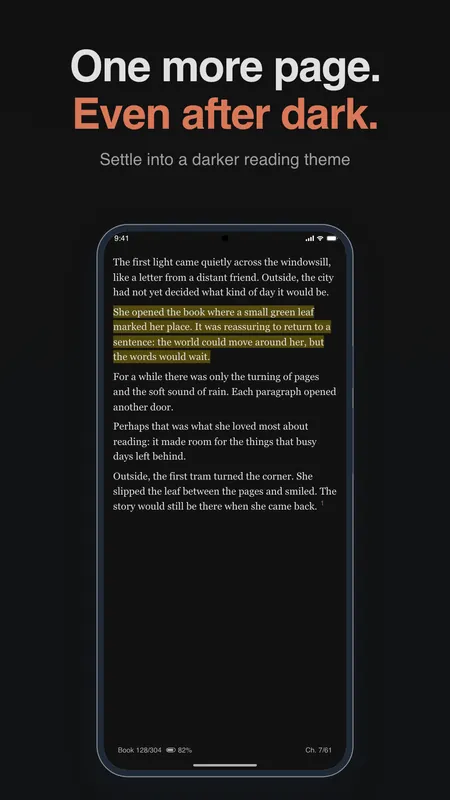
One more page, even after dark
Listen
Give your books a voice
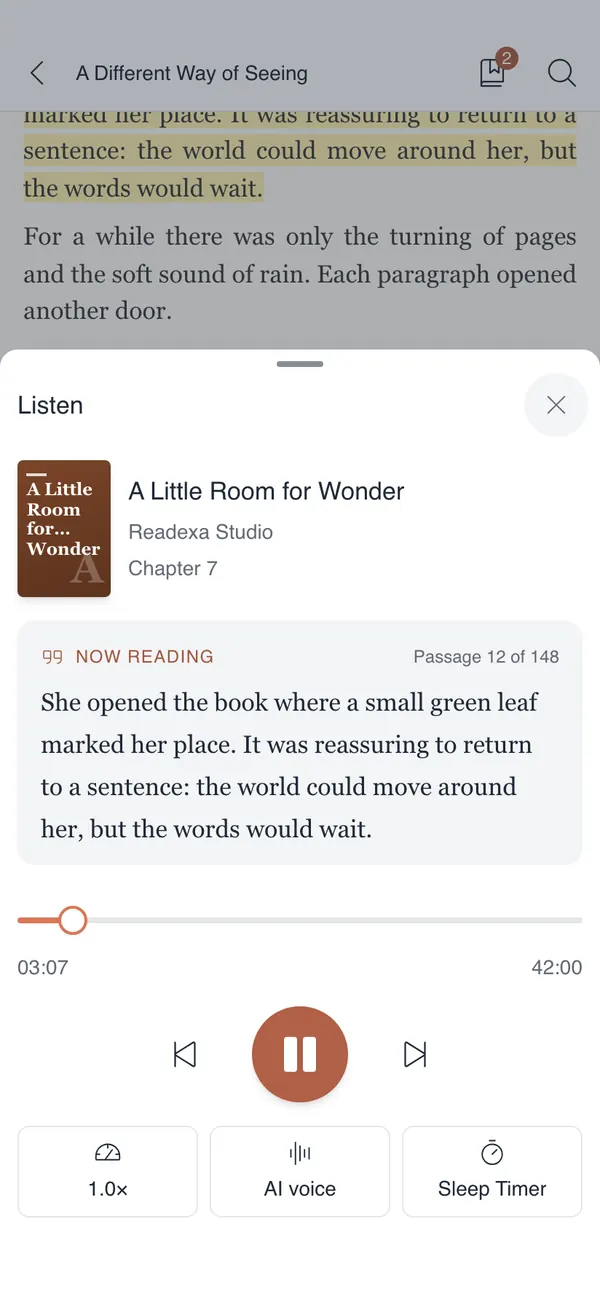
Natural AI voices read along line by line, and the passage being read stays highlighted so you never lose your place.
- Voices run on your phone, no account needed
- Keeps playing with the screen off
- Speed control and a sleep timer
Translate
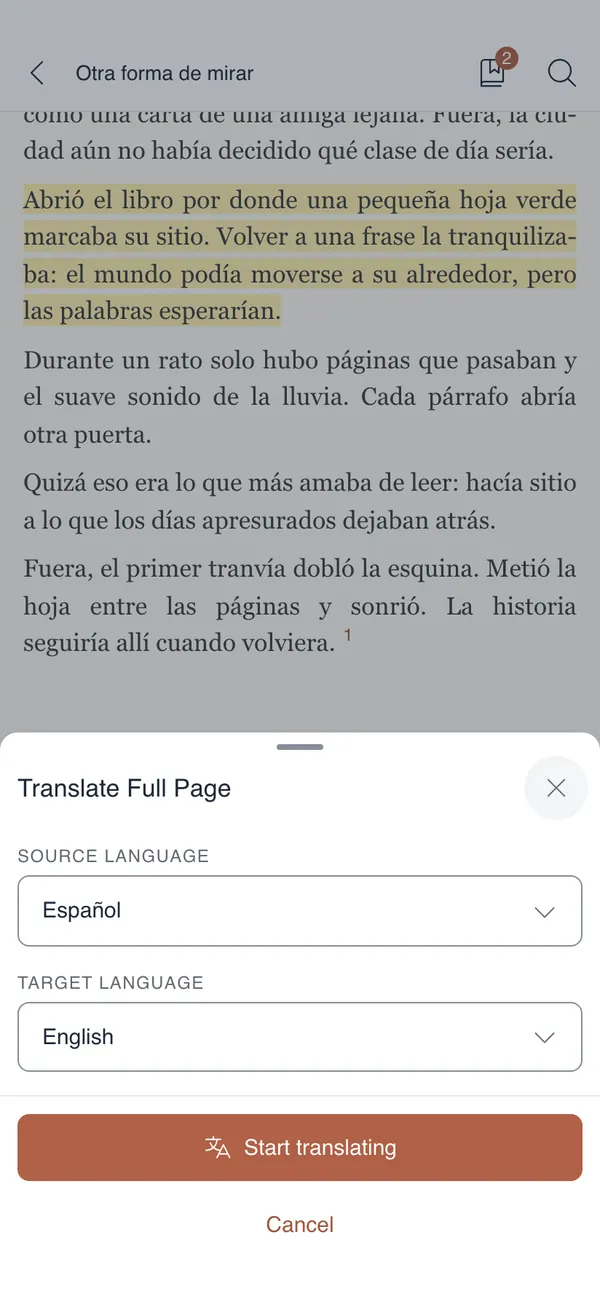
Read beyond language
Select a passage, or the whole page, and read it in your language without leaving the book.
- On-device translation keeps working offline
- Comic pages: text is recognised and translated in place
- Pick the source and target language once
Remember
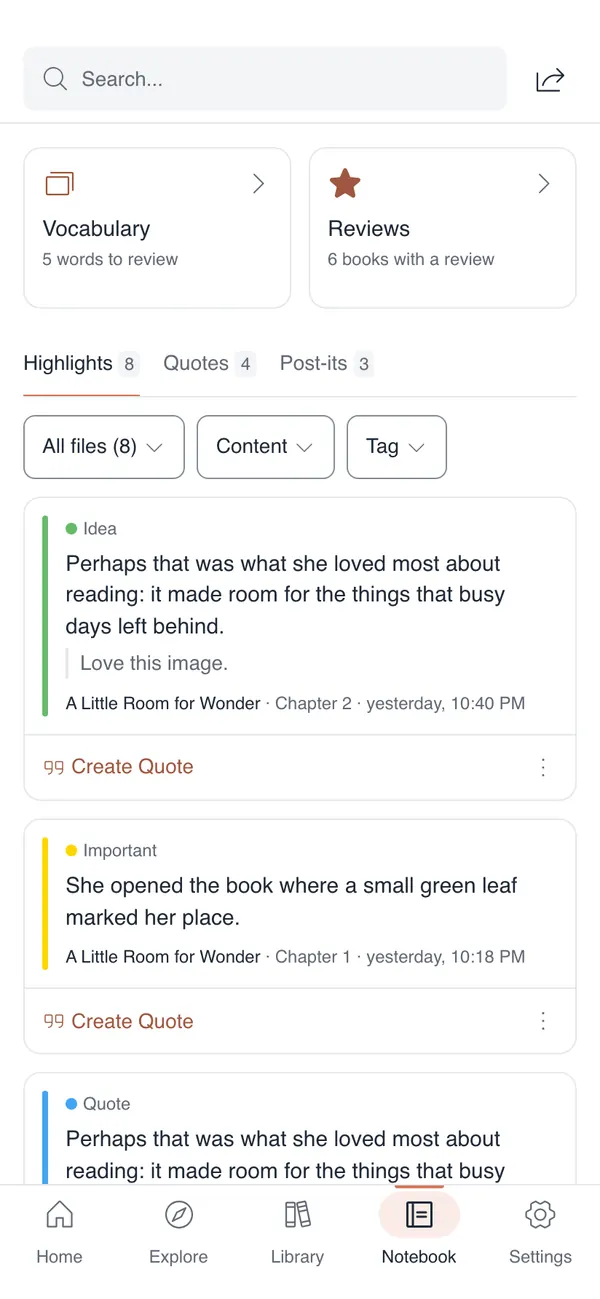
Good ideas, yours to keep
Every highlight, quote and post-it from every book, gathered in one notebook you can filter and search.
- Marker, underline or text-colour highlights
- Post-it notes on any page
- Vocabulary and reviews to look back on
What Readexa does
Everything a long read needs, and nothing in the way of the page.
-
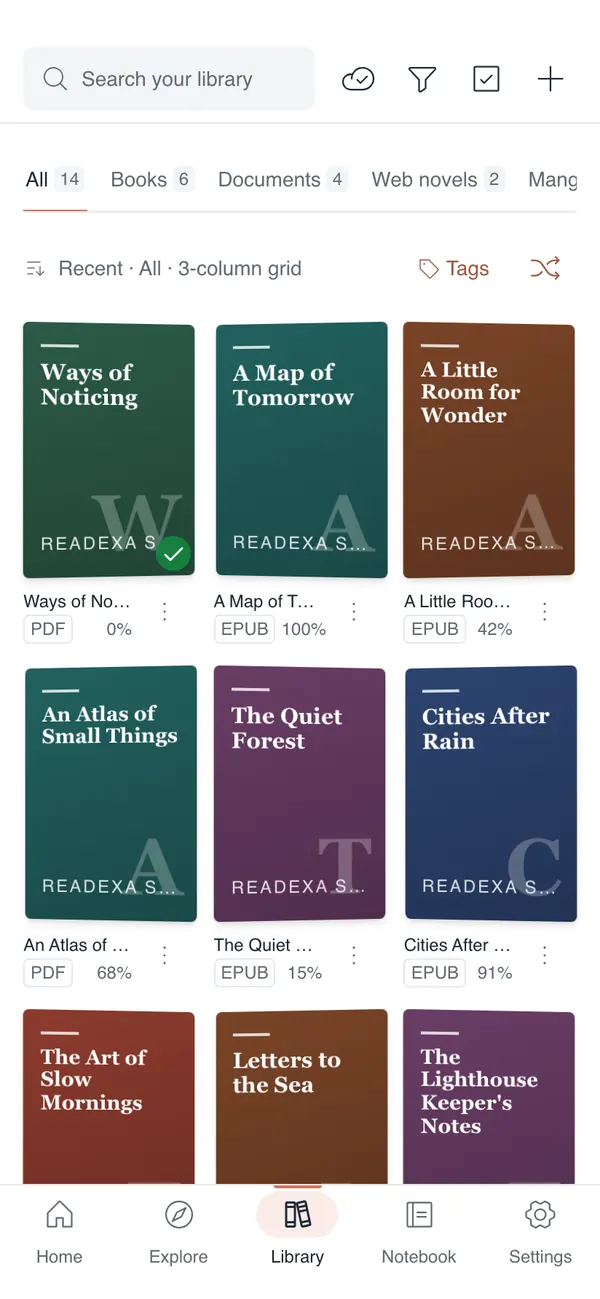
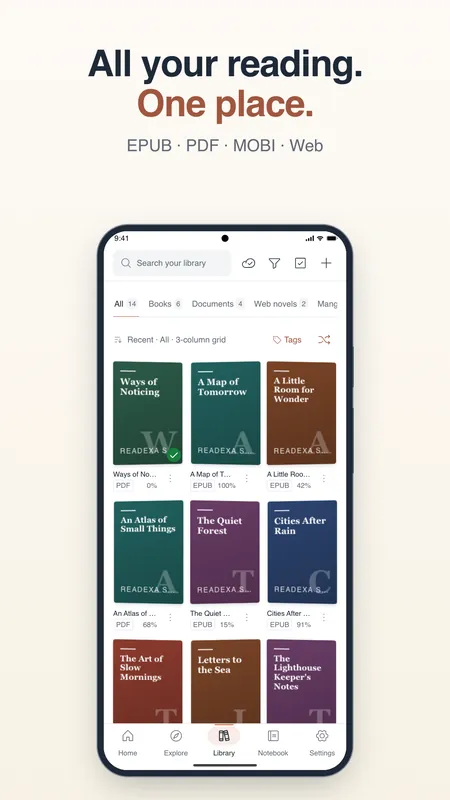
One library for everything you read
Open EPUB, PDF and CBZ comics. Import MOBI, AZW3, FB2, DOCX, TXT, Markdown and HTML; they become EPUB as they are added. Browse open OPDS catalogues, sort with tags and series, and pick up every book where you left it.
-
Natural voices that read along
Listen to books, PDFs and web articles while the current line is highlighted. Voices run on your phone and download when you pick them. Change the speed, keep listening with the screen off, and set a sleep timer.
-
Translate without leaving the page
Select a passage and see the translation in place. On-device translation works offline once its language pack is downloaded. On comic pages, text recognition reads the lettering and shows the translation over it.
-
Highlights, post-its and a notebook
Highlight with a marker, an underline or a text colour, stick a post-it on any page, and find every note again in one notebook. Save words as flashcards to review later.
-
Reader Mode for the web
Keep only the article from a web page. On a web novel's index page Readexa finds the chapter list, so you read straight through. Save chapters to read offline.
-
Backup and sync, your way
Sync your library, reading positions and highlights through your own Google Drive, or keep a backup on this phone and restore it in one step. Each cover shows whether its book file is synced.
Available voices and translation languages depend on your device. Syncing book files to Drive is part of Readexa Pro.
Thirty seconds, every feature
A quick look at reading, listening and translating in Readexa.

One more page, even after dark
Readexa is free on Android and iOS. Bring your books, and pick up where you left off.